
Create Your First Cross-Stitch Pattern in Crosspic
Start a cross-stitch design on a blank canvas in Crosspic, draw with a small palette, refine your stitches, and save an editable project backup.
A small original pattern is a good way to get comfortable with a new design tool. You can concentrate on the shape, try a few colors, and finish with something you can return to and edit. In Crosspic, you can start on a blank canvas without preparing or importing an image.
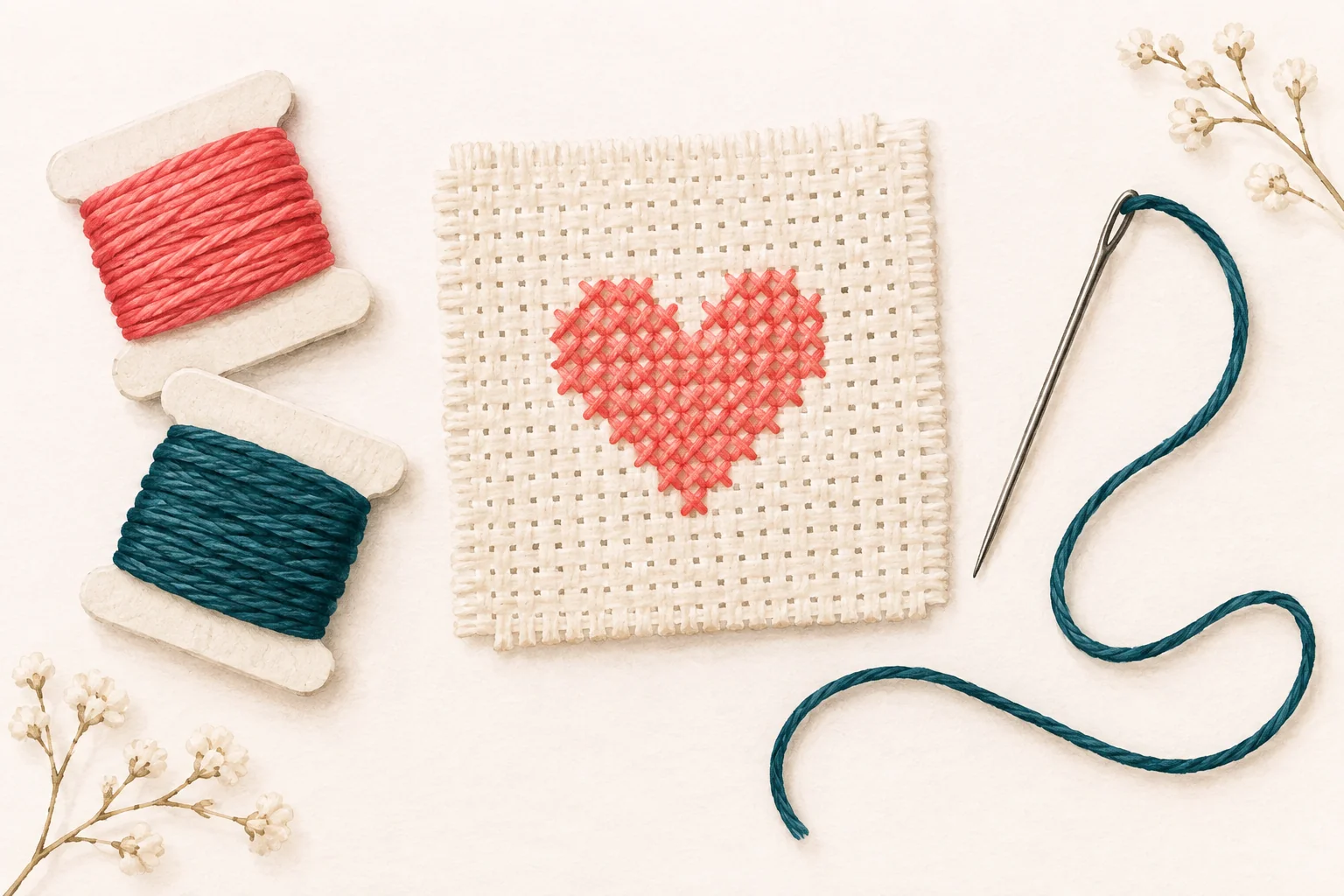
For a first exercise, try a simple heart, a geometric border, or a small flower. Choose a subject you can recognize from its outline alone.
Start with a manageable canvas
Open the blank pattern creator and choose your dimensions in stitches. A 30-by-30-stitch canvas is a useful starting point for experimenting: there is enough room for a small motif without a large area to fill.
Set the fabric count for your intended project and check the finished dimensions. Stitch dimensions describe the design's grid; fabric count affects how large that grid becomes when stitched. You can explore a design before committing to a particular finished size.
Draw the main shape first
Choose a floss color and use the pencil to place individual stitches. Begin with the outline or the largest area of the motif. Straight edges are easier to build with the line and rectangle tools, while Fill helps color a connected area.
Zoom in when you need to place a stitch precisely. Then zoom out to check whether the overall shape still reads clearly. A detail that looks interesting at high magnification may add little to the finished motif.
If a change does not work, use Undo and try another approach. You do not need to get every stitch right on the first pass.
Add color with a purpose
Try two or three colors at first. Give each one a clear role, such as the main shape, a darker edge, or a small accent. This makes it easier to see whether the design is balanced.
Use the eyedropper when you want to draw with a color already present in the pattern. If a section feels crowded, remove a few stitches and compare the result before adding more detail.
For more ideas, read how to simplify a cross-stitch color palette.
Save an editable copy
Crosspic saves edits in the current browser, but you should also use Export project to download a .crosspic backup. Keep that file somewhere you can find it again. Browser storage can be cleared, and a downloaded project lets you restore your editable work.
When you are happy with the design, follow the printable chart checklist to review the PDF before you start stitching.