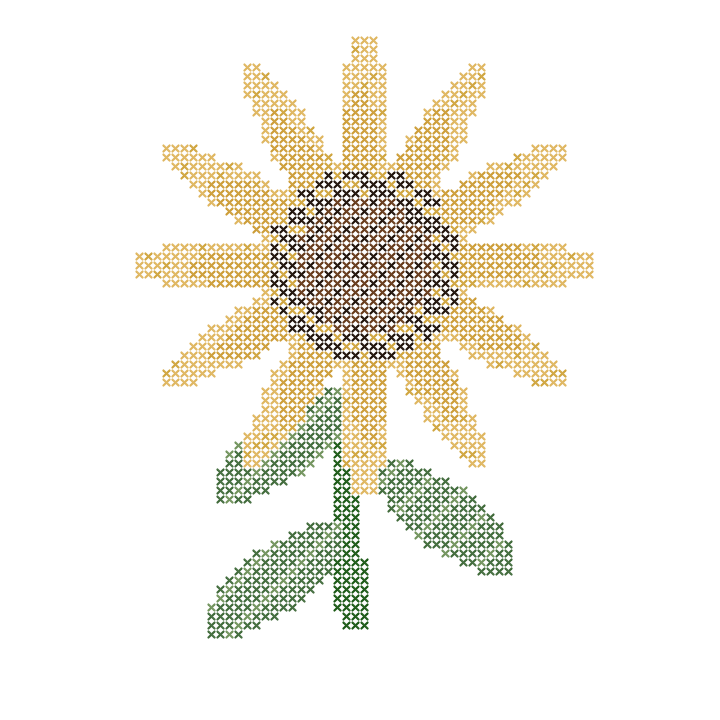
Sunflower study
80 × 80 grid · Editable sample · PDF export in the editor

Start with a ready-to-print unicorn PDF or one of four editable sample charts. Download the unicorn directly, or open a sample in Crosspic and export your own printable version.
Free downloads and exports · No account required

These samples open an editable copy in your browser. Each uses an 80 × 80 stitch grid and a DMC palette. Open the editor, make any changes, then use Export to generate and download a PDF with your preferred chart settings. These buttons open the editor; they do not download a PDF directly.
80 × 80 grid · Editable sample · PDF export in the editor
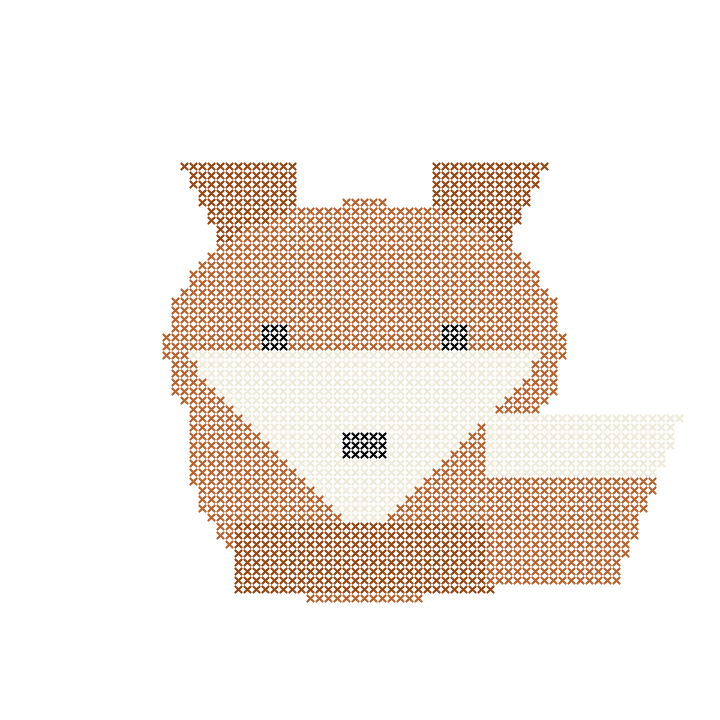
80 × 80 grid · Editable sample · PDF export in the editor
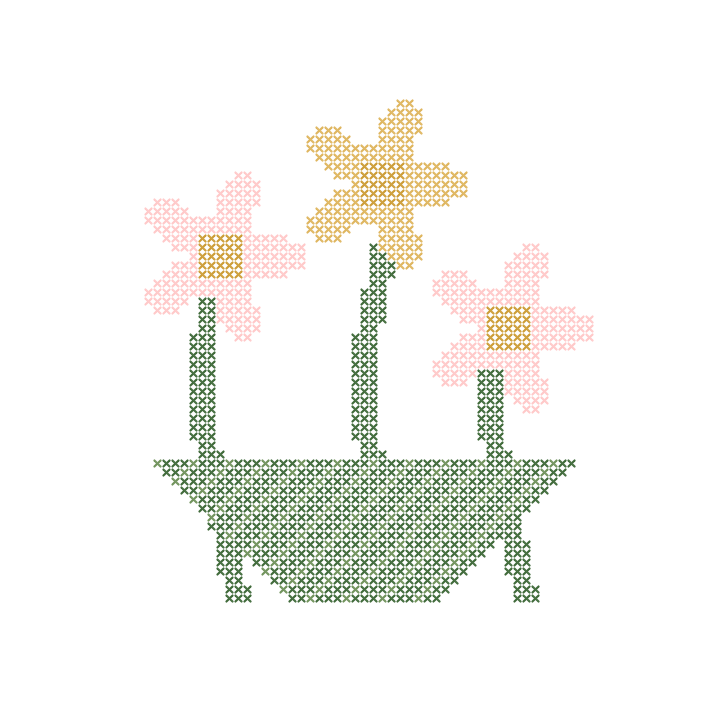
80 × 80 grid · Editable sample · PDF export in the editor
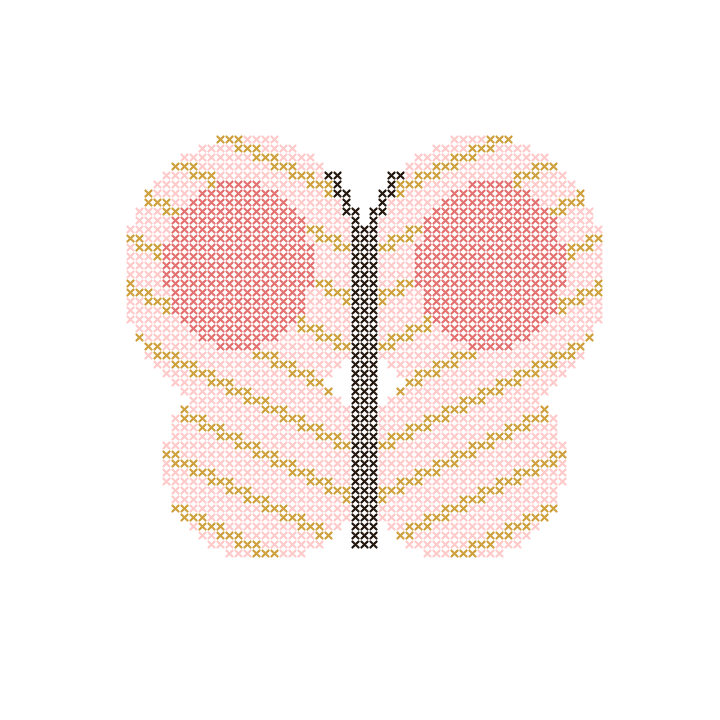
80 × 80 grid · Editable sample · PDF export in the editor
Look at symbols, color changes and small details before choosing. A small design can still need careful counting. Our beginner pattern guide helps you assess a project.
An 80 × 80 grid spans about 5.7 × 5.7 inches on 14-count Aida when stitched over one square. The motif may occupy less of that grid. Add extra fabric around the design for handling and finishing.
Use a PDF chart rather than stitching from a preview image. Check that symbols and the thread key are readable. See our chart-reading guide and printing guide.
Samples are saved in the current browser. Return to My patterns to continue editing there. Export a .crosspic backup as well as your PDF if you want to keep an editable file or move it to another device; clearing browser data can remove saved projects.
Draw a chart from scratch or turn a photo into a pattern with Crosspic. For a ready-made starting point, choose a pattern above.